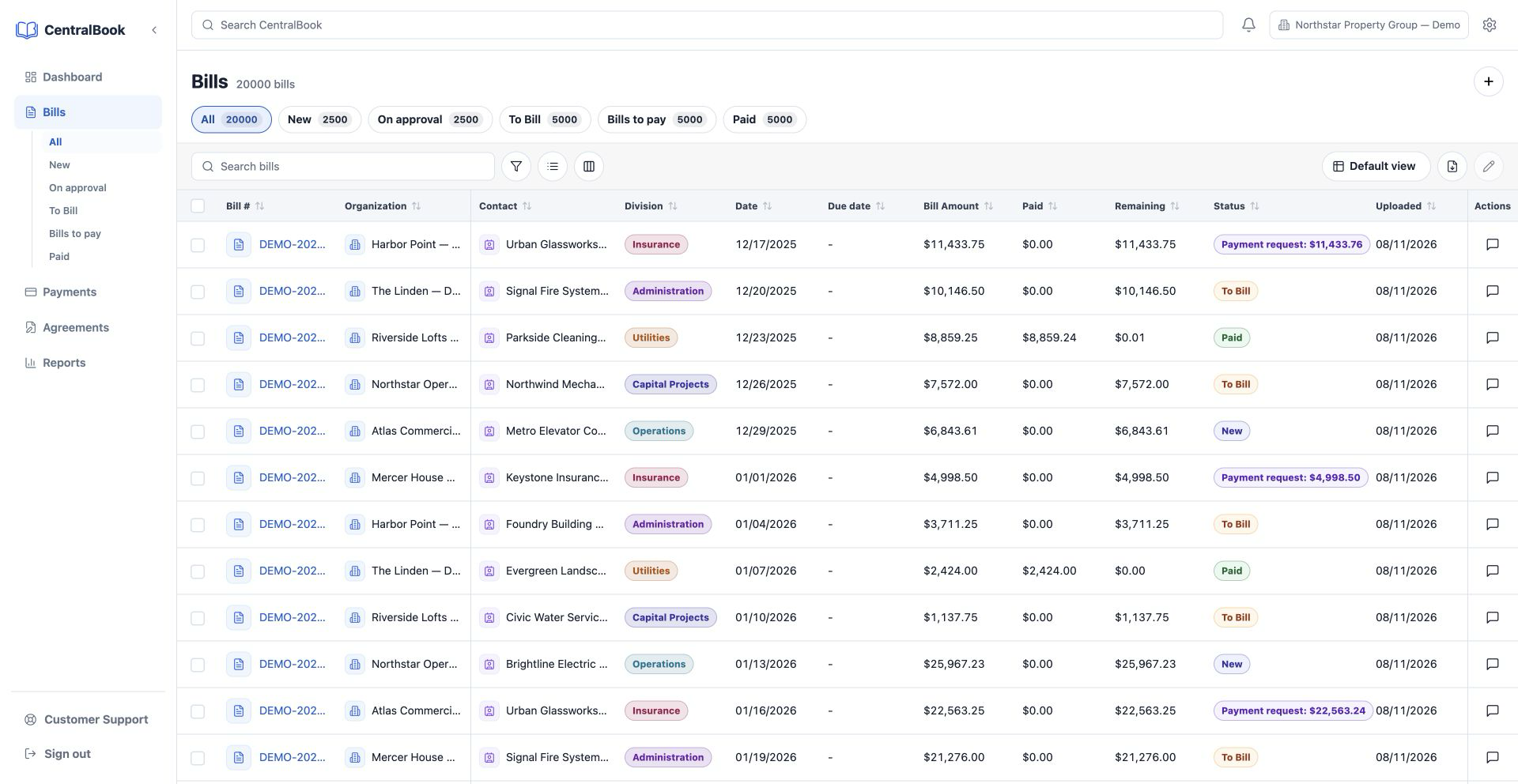
Status tabs for every bill
Work by New, Under Review, Awaiting Payment, Partially Paid, Paid, and open payment-request states.
 CentralBookOpen app
Bring supplier invoices, OCR review, approvals, payment stages, attachments, and accounting sync together across every organization in one focused workspace.
CentralBookCentralBookIntake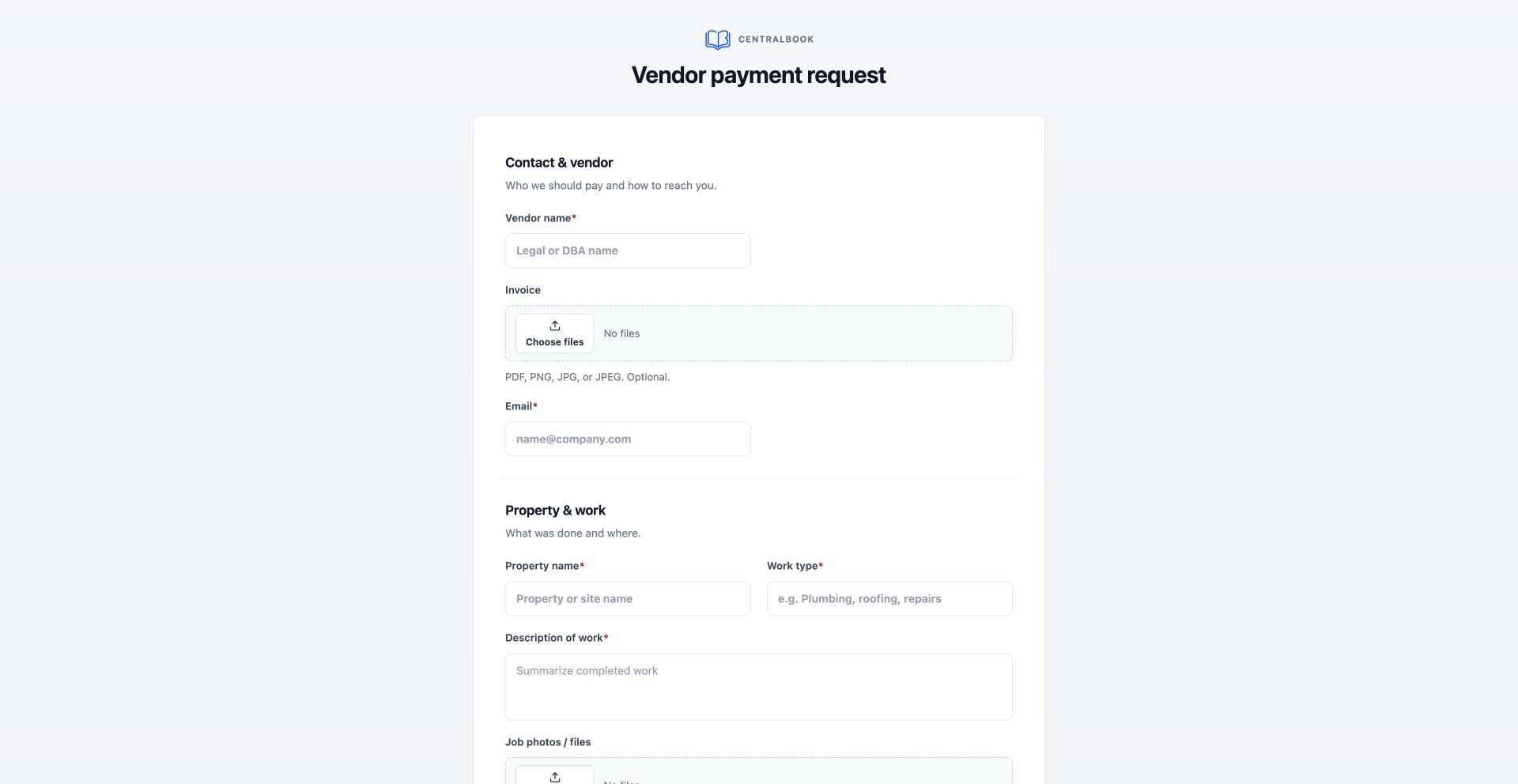 CentralBookBills
 CentralBookReview
 CentralBookPayments
 CentralBookDashboard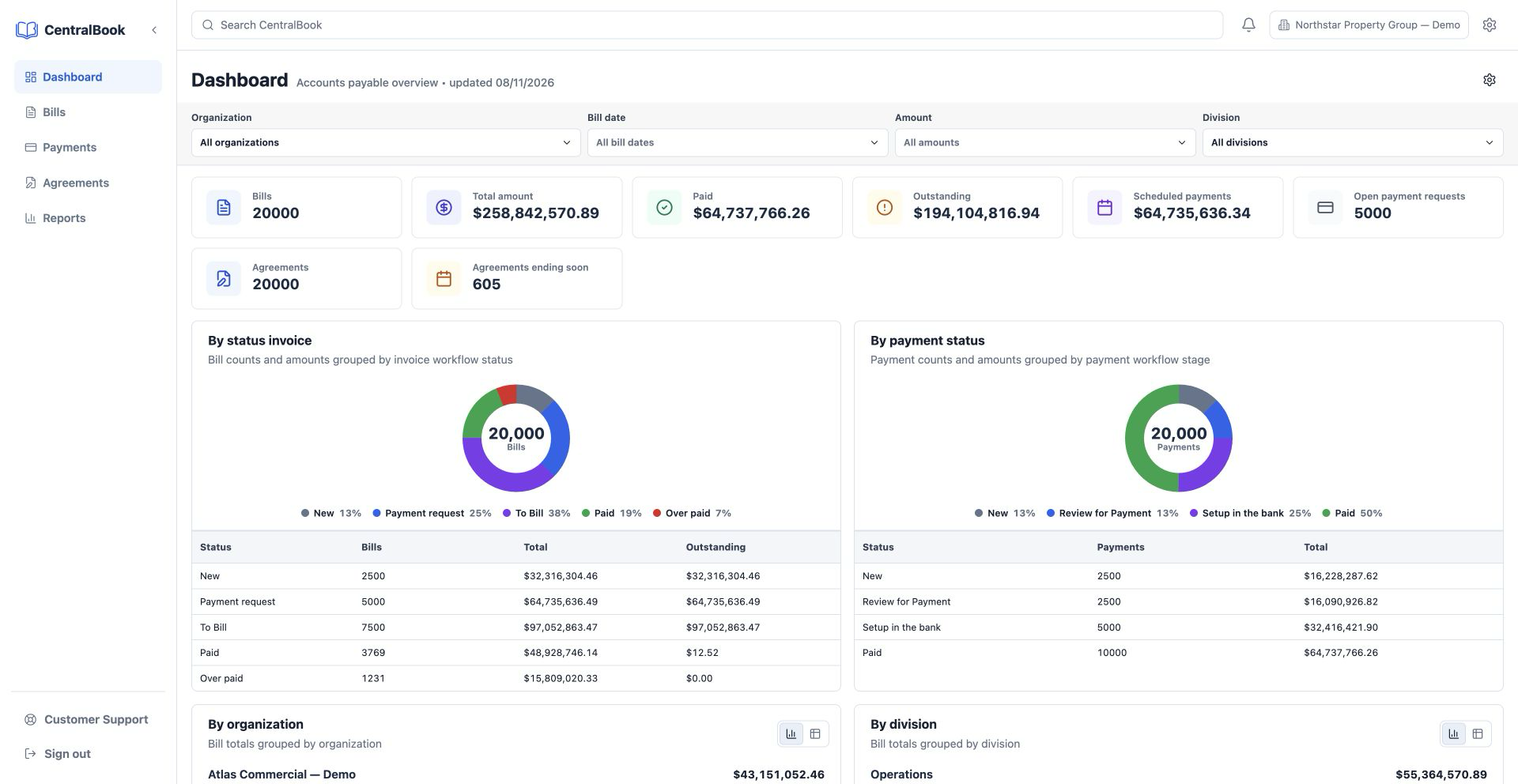
Track every bill from upload or vendor request through OCR, review, awaiting payment, partial payment, and paid status without rebuilding spreadsheets.
Work by New, Under Review, Awaiting Payment, Partially Paid, Paid, and open payment-request states.
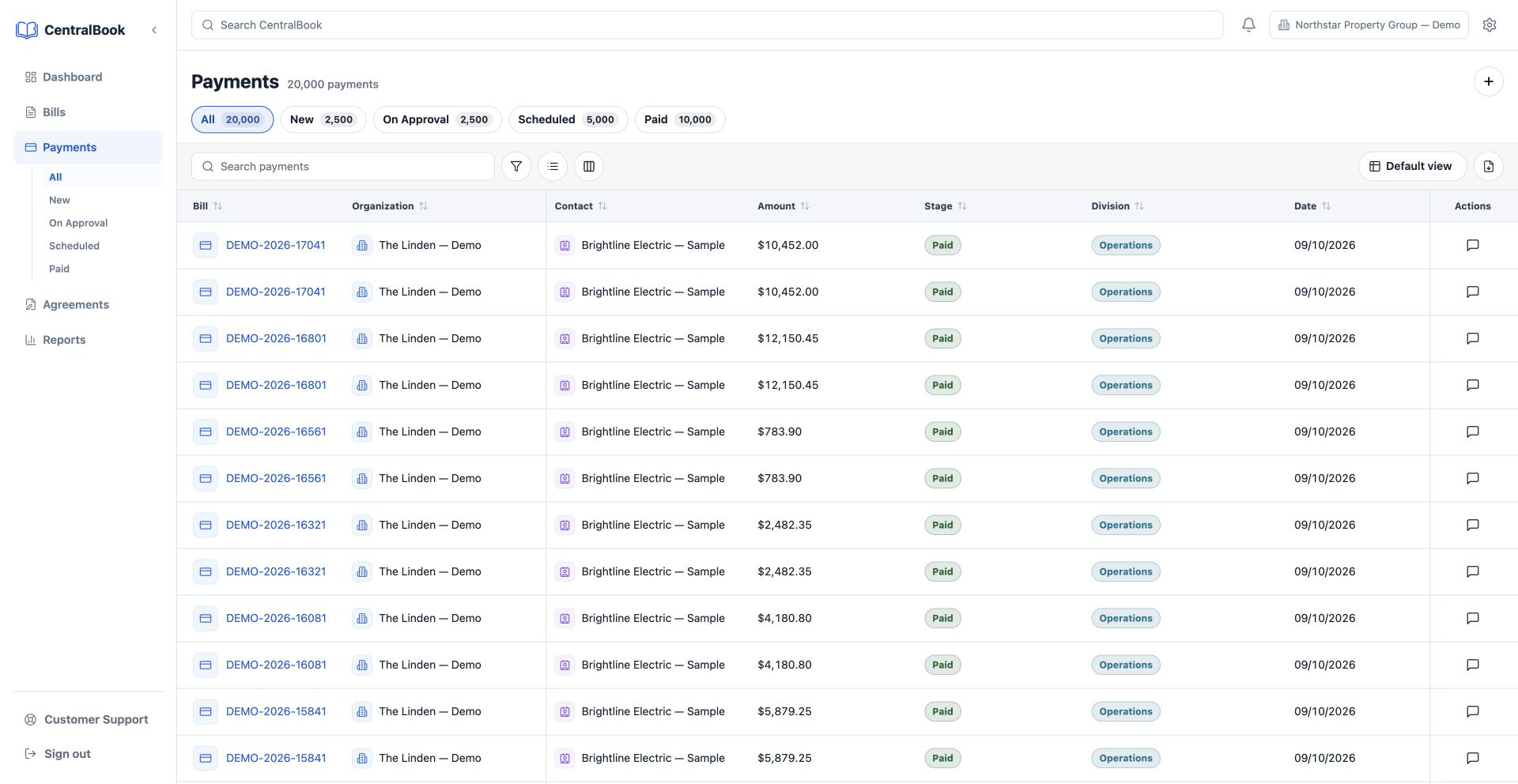
Group invoices and payments by organization, supplier, date, sphere, status, or payment stage.
Keep filtered views for invoices and payments so repeat review work does not restart in spreadsheets.
Collect vendor name, property, work type, amount, due date, payment instructions, invoices, checks, and job photos.
CentralBook works from uploaded invoices and vendor intake submissions, then gives finance one place to review OCR data, control payments, and export clean bills.
Start from a PDF, image invoice, or public vendor intake form that creates a tracked AP record automatically.
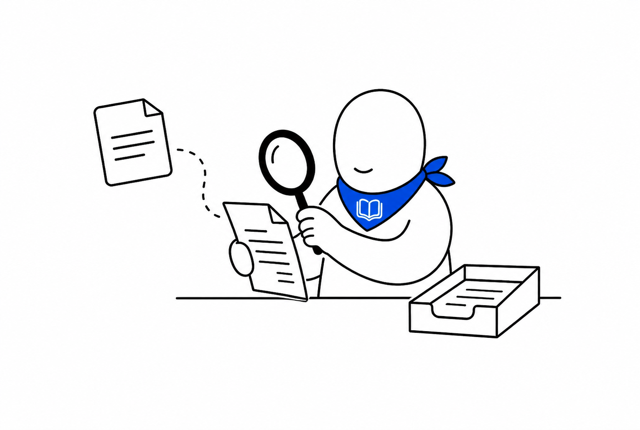
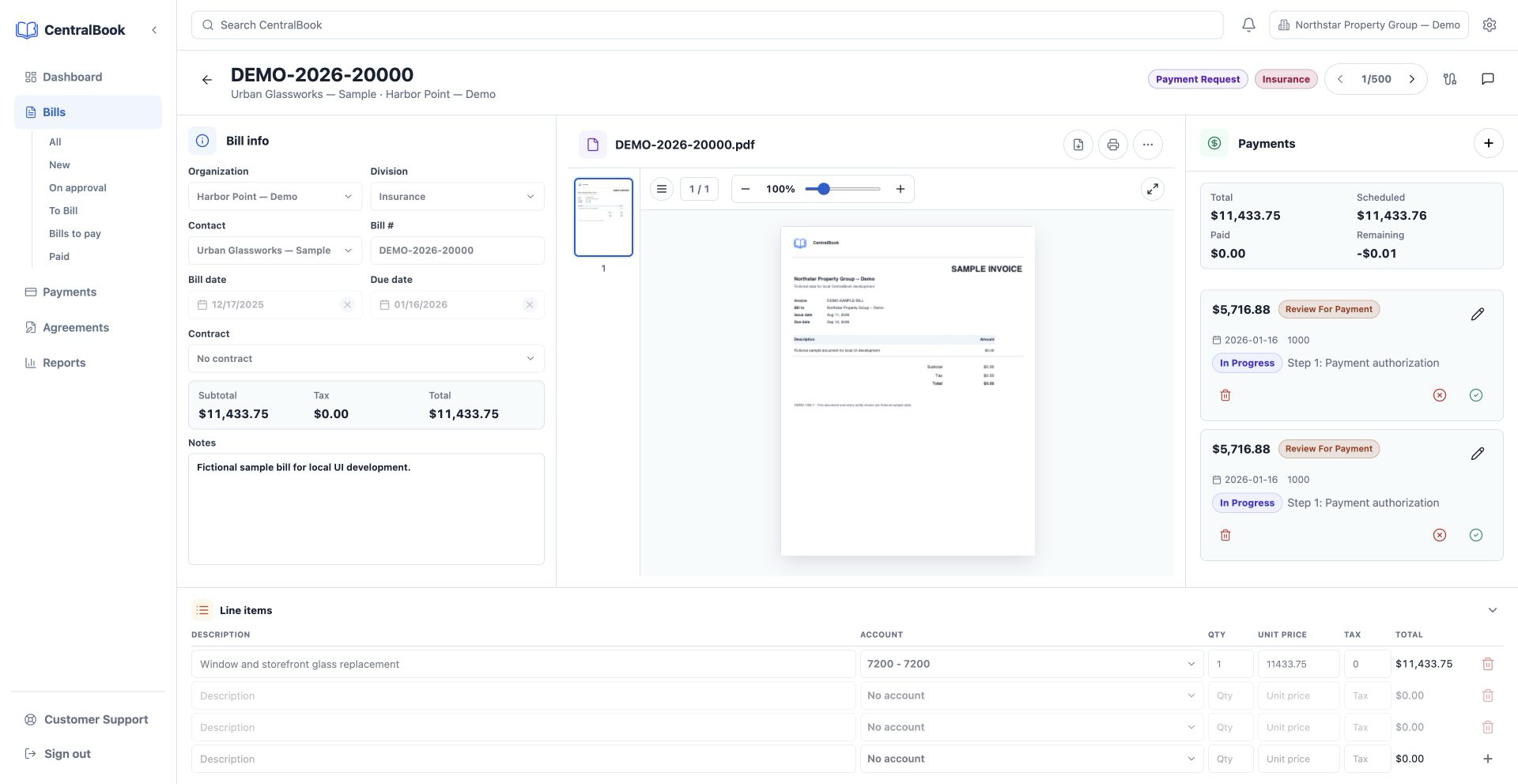
Review supplier, invoice number, dates, totals, tax, line items, files, and notes before moving the bill forward.
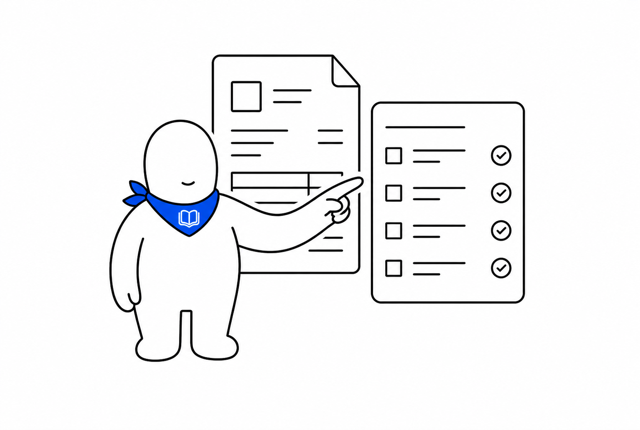
Move payments through custom statuses until they’re paid.
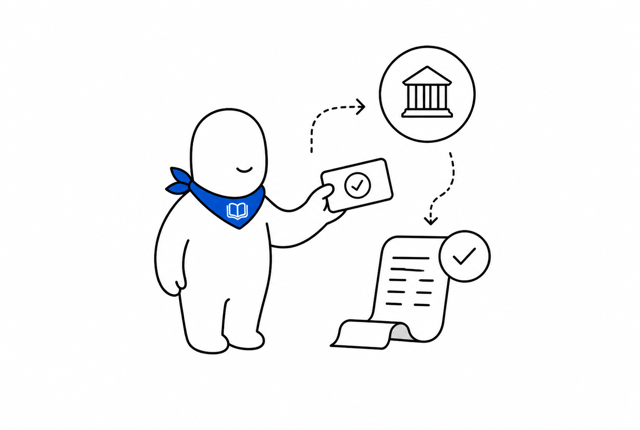
Attach source files, vendor checks, job images, line items, chart accounts, due dates, and payment notes.
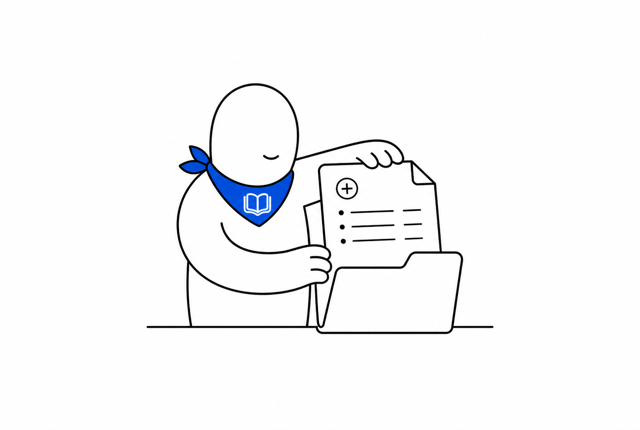
Export approved bills with contacts, chart accounts, attachments, and payment records, then keep payment status in sync.
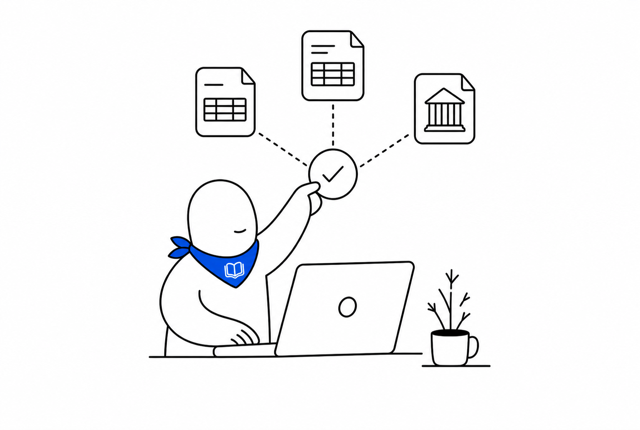
Track bills, payment progress, and spend across all your books in one clear view.
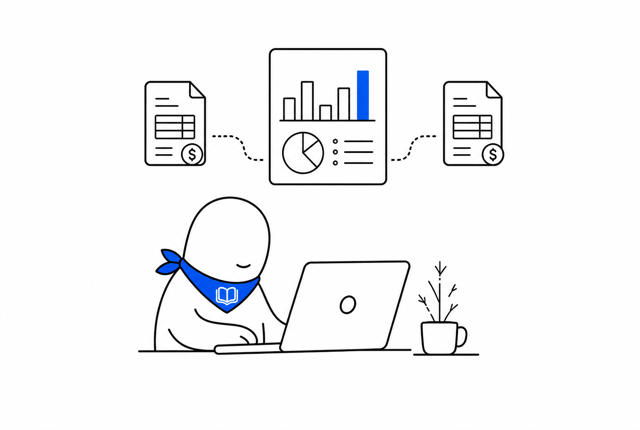
CentralBook brings every organization’s bills, contacts, and payments into one clear place, then keeps your connected accounting books in sync.
The product pattern stays close to the working AP system: clear tables, compact controls, visible status, and protected staff actions.
Session-based staff access with password management for the internal AP workspace.
Local organizations can map to Xero tenants, contacts, chart accounts, and bank accounts.
Public vendor forms stay open while the staff app, invoice actions, and exports stay protected.
Dashboards, saved views, grouped totals, OCR states, and open payment requests stay visible.
Use the tabs to move through the main screens: dashboard, bills, bill detail, payments, agreements, and vendor intake.
Track total bills, paid amount, outstanding balance, open payment requests, invoice status, and payment status.
Start with a 14-day free trial. Every plan includes the complete CentralBook workspace and secure Stripe checkout.
Your subscription renews automatically after the trial unless canceled. Subscriptions are subject to the Terms & Conditions and Privacy Policy.
Walk through your organizations, vendor intake, OCR review, payment stages, attachments, and Xero sync before starting a subscription.
View subscription plans